

Price: $25.99 - $7.99
(as of Nov 23, 2025 18:11:42 UTC – Details)

Product description

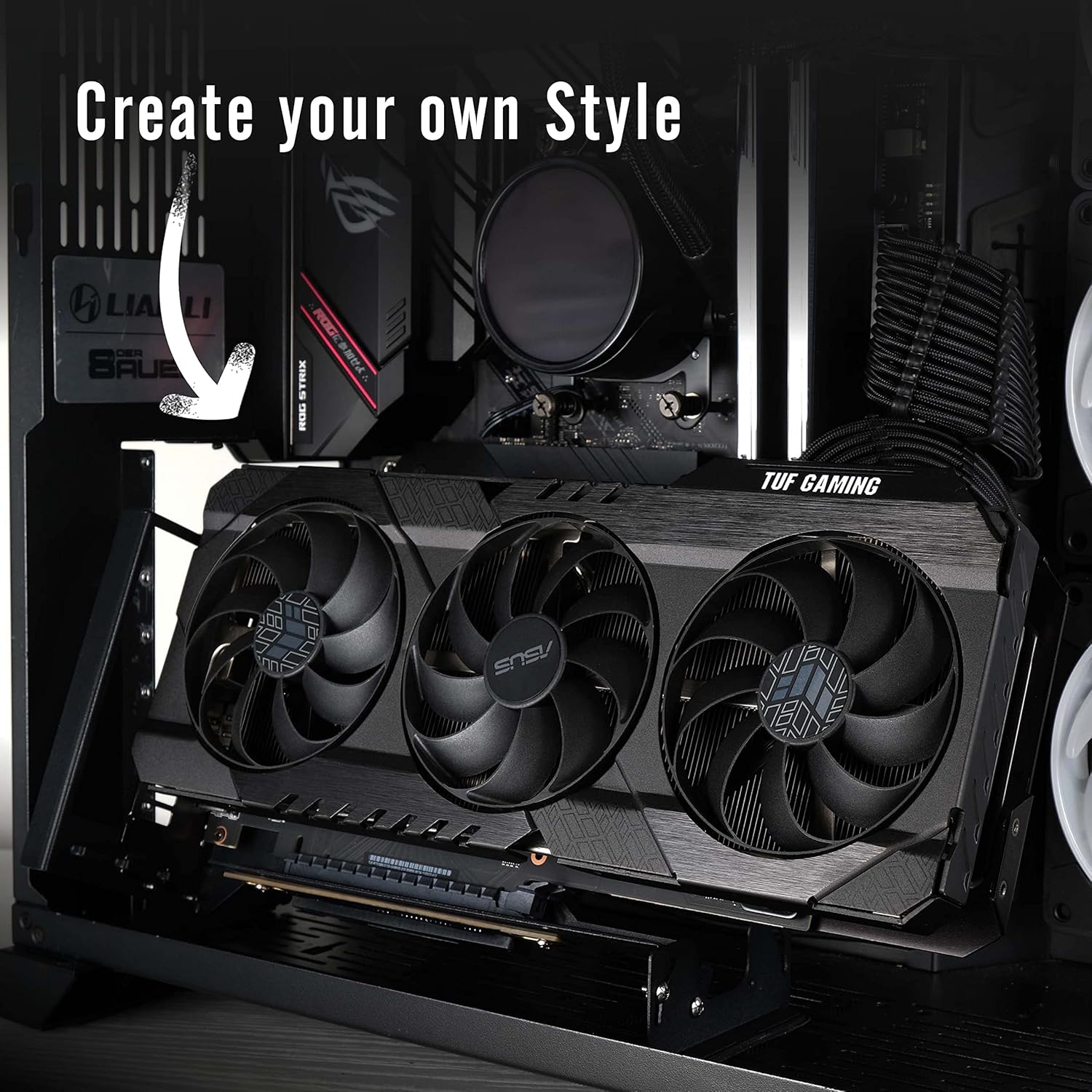
Choose your own Best Visual Angle of your GPU.
Nowadays, the graphics cards on the market are getting bigger and bigger and the appearance is very eye-catching, the new released vertical graphics card mount allows vertical installation of a GPU on any chassis to better show off the visual design of the GPU and its cooler.
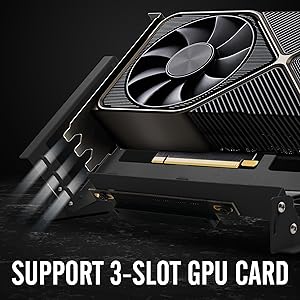
Bigger Graphics Card Support Verified
Supports most 1, 2, and 3 slot graphic cards.Thick steel prevents the largest and heaviest GPUs from bending the GPU holder.Compatible with most brand’s Graphic card.
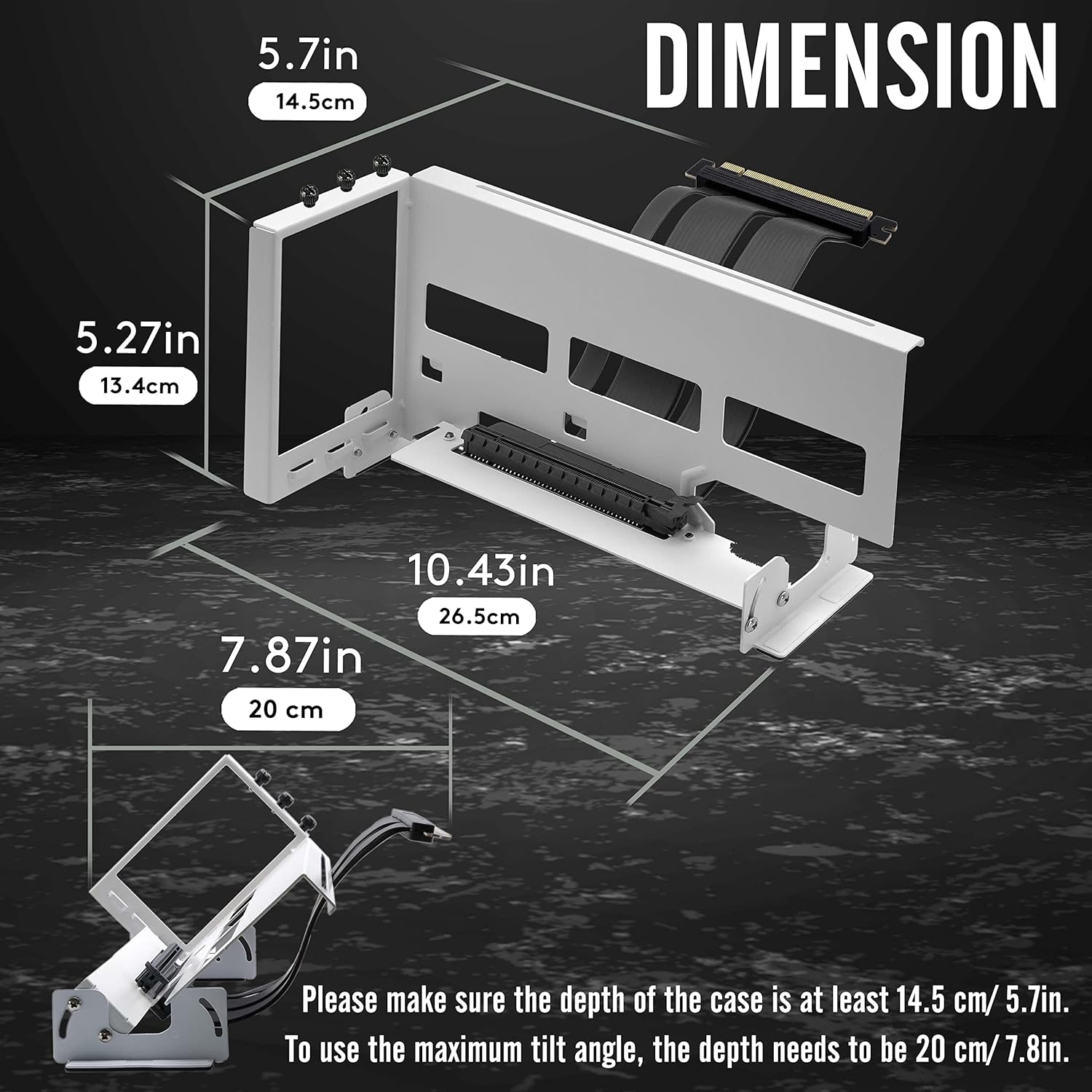
Please refer to length spec image and confirm that there is enough space of your chassis.
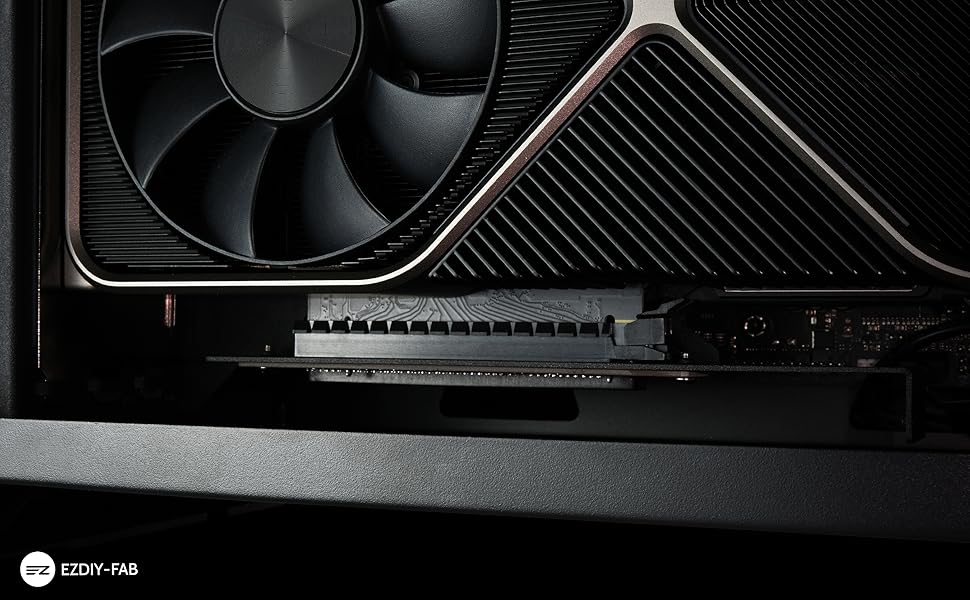
Equipped With PCIE4.0 Riser Cable
Cable length 6.69in/17cm.Exclusive Design of cable and connector for Gen 4 PCIE.Supports PCIE 4.0/3.0/2.0/1.0.Compatible with RTX3090, RTX3080, RTX3070, RTX3060TI, RX6900XT, RX6800.Assemble the graphics card and GPU Mount first, then adjust and lock the riser cable screw.
NOTE:
Please test the riser cable onto the GPU first before installing the GPU to vertical bracket mount.
Please refer to length spec image and confirm that there is enough space of your chassis.

Multi-Angle Adjustment GPU mount
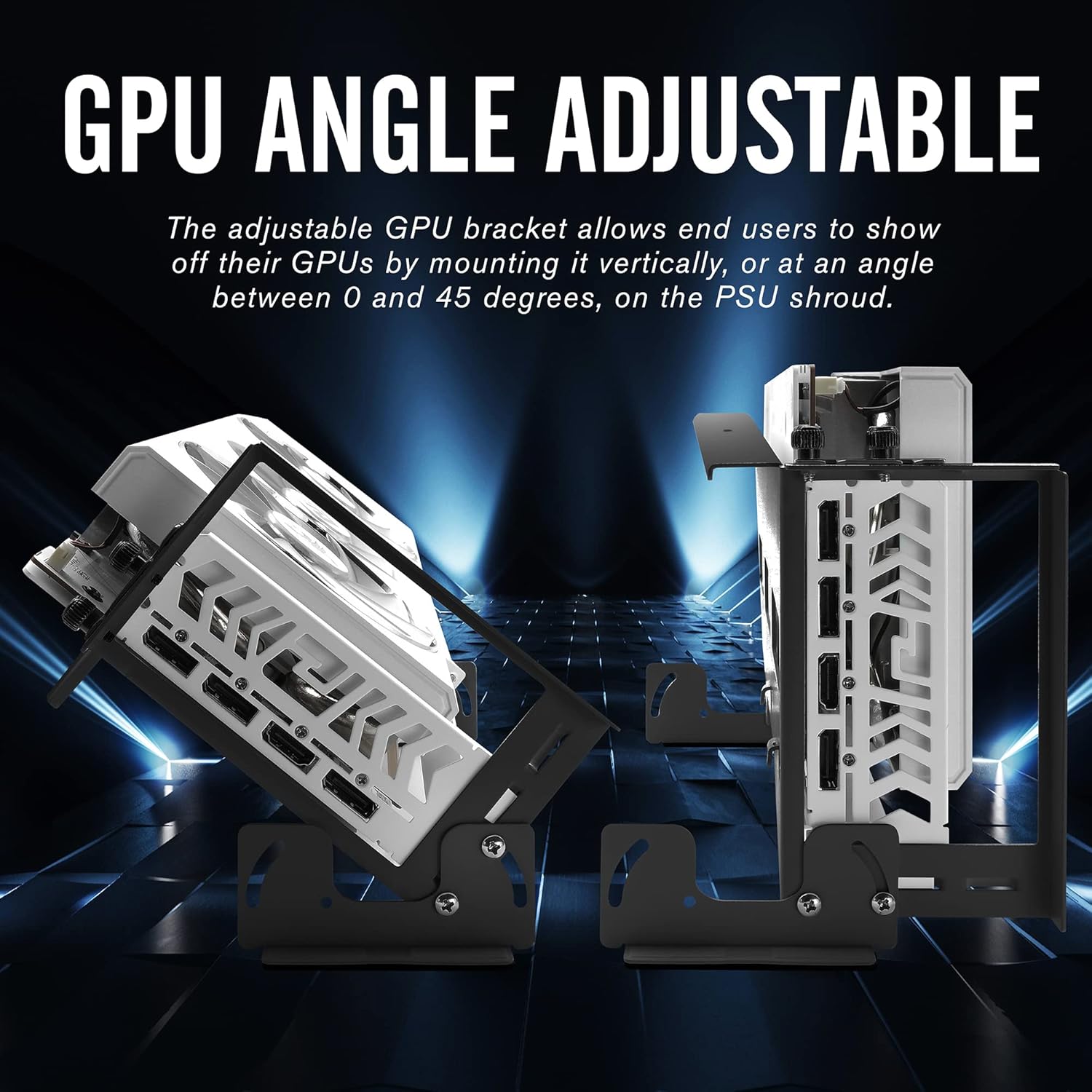
The adjustable GPU bracket allows to show off their GPUs and enhance cooling efficiency by mounting it vertically, or at an angle between 0 and 45 degrees, on the PSU shroud or any metal surface.
Note:
Since this GPU bracket is designed for 1-3 PCI slots Graphics card, would be a bit bigger in dimension.
To use this bracket for a case depth of at least 14.5cm/ 5.7in.To adjust the bracket to the maximum tilt angle, Please make sure the depth of the case is at least 7.87in/20cm or more.
INSTALLATION
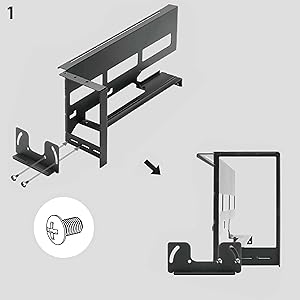
Mount The Magnetic Feet
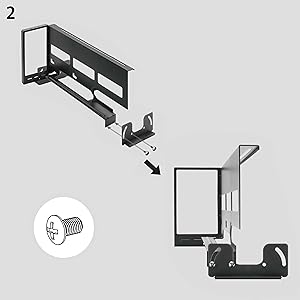
Mount The Magnetic Feet
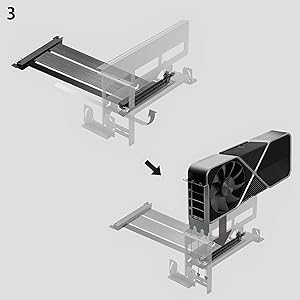
Put On Riser Cable and Connect GPU To The Riser Cable
In this step, assemble the bracket and the graphics card, and connect the graphics card to the riser cable.

Tighten GPU screw first then the screw of Riser cable.
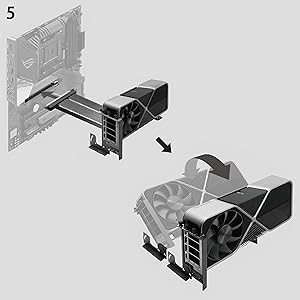
Connect to motherboard PCIEx16_1 slot and adjust incline angle.

The adjustable GPU bracket allows to show off their GPUs and enhance cooling efficiency by mounting it vertically, or at an angle between 0 and 45 degrees, on the PSU shroud or any metal plane.
The base bracket is equipped with a strong magnet, which can make the bracket stable on the PSU shroud
Feturing with Gen4 riser cable, supports PCIE 4.0/3.0/2.0/1.0,Compatible with RTX3090, RTX3080, RTX3070, RTX3060TI, RX6900XT, RX6800.
Supports most 1, 2, and 3 slot graphic cards, high quality metal material increases structural toughness and supports the large graphics card on the market.
Please test the riser cable onto the GPU first before installing the GPU to vertical bracket mount./ Please refer to length spec image and confirm that there is enough space of your chassis.
Customers say
Customers find the GPU mount bracket well-built and easy to set up, with strong magnets that keep it in place. The product improves cooling performance, reducing temperatures by 10°C, and one customer notes it works well with their RTX 2080s. While the build quality and functionality receive positive feedback, customers express concerns about the cable quality, mentioning issues with pins pushing through immediately.